
0%
Magento and Adobe Commerce stores process millions of online transactions worldwide, which makes the payment gateway a critical part of the customer experience. However, selecting the right payment solution can be challenging, as merchants need to evaluate supported payment methods, regional availability, security requirements, integration options, and transaction costs.
In this guide, you’ll learn how Magento payment gateways work, explore popular Magento 2 and Adobe Commerce payment solutions, and discover key factors that can help you choose the best payment gateway for your Magento 2 store.
What is a Payment Gateway?
Payment gateways are e-commerce payment authorization software programs for the approval of online transactions. The gateway is connected to the shopping cart page of the seller’s website to enable payment processing for customers’ purchases and communicate with the merchant’s acquiring bank. It transmits the required information regarding customer payments to the payment processing service to prompt the completion of transactions.
How Do Payment Gateways Work?
The payment gateway transmits a confirmation to the merchant’s website confirming that an ordered payment transaction has been approved. Completing that critical task enables the Magento payment processor to complete the transaction and render confirmation of a fully processed payment. High-level steps involve:
- The customer enters the identifier for the item(s) he/she wants to buy and the payment method information on the online store’s checkout (shopping cart) page.
- The transaction information is then encrypted and communicated to the payment gateway for authorization and acceptance by the merchant’s acquiring bank.
- The issuing bank of the credit card company, like MasterCard, Visa, etc., accepts payments or declines charges based on available funds in the customer’s account.
- The issuing bank then transfers funds to the payment gateway, which routes the payment to the seller’s account.
Selection Priorities for Magento Payment Gateways
When you choose a payment gateway for your Magento store, consider not only payment processing features but also platform compatibility, customer experience, security, and long-term maintenance.
| Selection criteria | What to consider |
|---|---|
| Magento and Adobe Commerce compatibility | Make sure the payment gateway supports your Magento or Adobe Commerce version and remains compatible with future platform updates. |
| Payment methods | Check whether the gateway supports the payment options your customers expect, including cards, digital wallets, local payment methods, and alternative payment options. |
| Supported countries and currencies | Verify that the payment gateway works in your target markets and supports the currencies your business needs. |
| Security and fraud protection | Choose a solution with secure payment processing, PCI DSS compliance, and fraud prevention tools to protect customer data and reduce payment risks. |
| Extension quality and updates | If the gateway requires a Magento extension, check its update frequency, compatibility with Magento releases, support quality, and maintenance history. |
| Hyvä and headless compatibility | If your store uses Hyvä Themes, Hyvä Checkout, or a headless architecture, confirm that the payment solution supports your frontend setup. |
| Recurring payments | If you offer subscriptions, memberships, or recurring services, make sure the gateway supports automatic recurring transactions. |
| Refunds and payment management | Check whether the solution supports refunds, partial refunds, payment authorisation, and capture workflows that match your business processes. |
| Fees and total costs | Compare not only transaction fees but also extension costs, monthly charges, currency conversion fees, and other payment-related expenses. |
| Scalability and support | Choose a payment gateway that can support your business growth and provides reliable customer support when you need assistance. |
Need Help With Magento Payment Integration?Get expert help with Magento payment gateway setup, third-party integrations, and checkout optimization. Discuss Your Integration → |
Magento Supported Payment Gateways and Integration Types
Magento supports different payment gateway options depending on your store requirements and integration needs. Some solutions are available through Magento or Adobe Commerce integrations, while others require extensions or custom development.
| Integration type | Description | Examples |
|---|---|---|
| Built-in and Adobe-supported solutions | Payment solutions available through Magento or Adobe Commerce integrations. These options usually provide a more direct connection with the platform and simpler configuration. | Adobe Commerce Payment Services, Braintree, PayPal |
| Third-party Magento extensions | Payment providers that require a separate Magento extension or marketplace integration before you can use them in your store. | Stripe, Amazon Pay, regional payment providers |
| Custom payment integrations | Payment solutions that require custom development to connect Magento with a specific provider or payment system based on your business requirements. | Custom local payment providers, enterprise payment solutions |
Top 5 Magento Payment Gateways
Magento and Adobe Commerce support multiple payment solutions, including built-in integrations, Adobe-supported services, and third-party extensions. The right payment gateway depends on your business requirements, target markets, available payment methods, and checkout experience.
Below are five popular payment gateways used with Magento 2 and Adobe Commerce stores.
1. PayPal
PayPal is one of the most widely used payment providers for Magento stores. Magento and Adobe Commerce include PayPal integrations, so you can offer PayPal checkout options together with card payments and other payment methods.
Key Features
- Accept PayPal payments, major credit and debit cards, and digital wallets
- Support international payments and multiple currencies
- Provide customers with a familiar checkout experience
- Use fraud protection tools for secure transactions
Pros
- Trusted payment method with high customer adoption
- Native Magento and Adobe Commerce compatibility
- Supports multiple payment options
- Suitable for international stores
Cons
- Fees vary depending on your region and payment methods
- Some payment flows depend on your PayPal configuration
Fees
PayPal transaction fees depend on your country, payment method, currency, and account type. If your store serves customers from different regions, consider currency conversion costs and international transaction fees.
2. Stripe
Stripe is a flexible payment platform that you can add to your Magento store through third-party extensions. It allows you to accept card payments, digital wallets, and local payment methods while offering options for different business models.
Key Features
- Accept credit and debit cards, digital wallets, ACH payments, and local payment methods
- Support recurring payments for subscription-based businesses
- Provide secure payment processing and fraud prevention tools
- Offer flexible payment options for international customers
Pros
- Supports a wide range of payment methods
- Suitable for international businesses
- Supports recurring payments
- Provides flexibility for growing stores
Cons
- Requires a Magento extension for integration
- Some configurations may require technical assistance
Fees
Stripe pricing depends on your payment methods, transaction volume, and selected services. You may also have additional costs for international payments, currency conversion, and advanced payment features.
3. Braintree

Braintree is a PayPal company and a bundled payment integration available in Adobe Commerce and Magento. It allows you to accept multiple payment methods through one payment solution.
Key Features
- Accepts major credit and debit cards
- Supports PayPal, Apple Pay, Google Pay, Venmo, ACH payments, and local payment methods
- Provides fraud protection tools and secure payment processing
- Supports recurring payments
Pros
- Multiple payment methods through one integration
- Available as a bundled Adobe Commerce integration
- Supports PayPal payments
- Suitable for subscription-based businesses
Cons
- Some payment methods depend on your region
- May not cover every local payment method available in your market
Fees
Braintree fees depend on the payment methods you enable, your location, and your agreement terms. If you use multiple payment options such as cards, PayPal, and local methods, review the pricing for each transaction type.
4. Adobe Commerce Payment Services
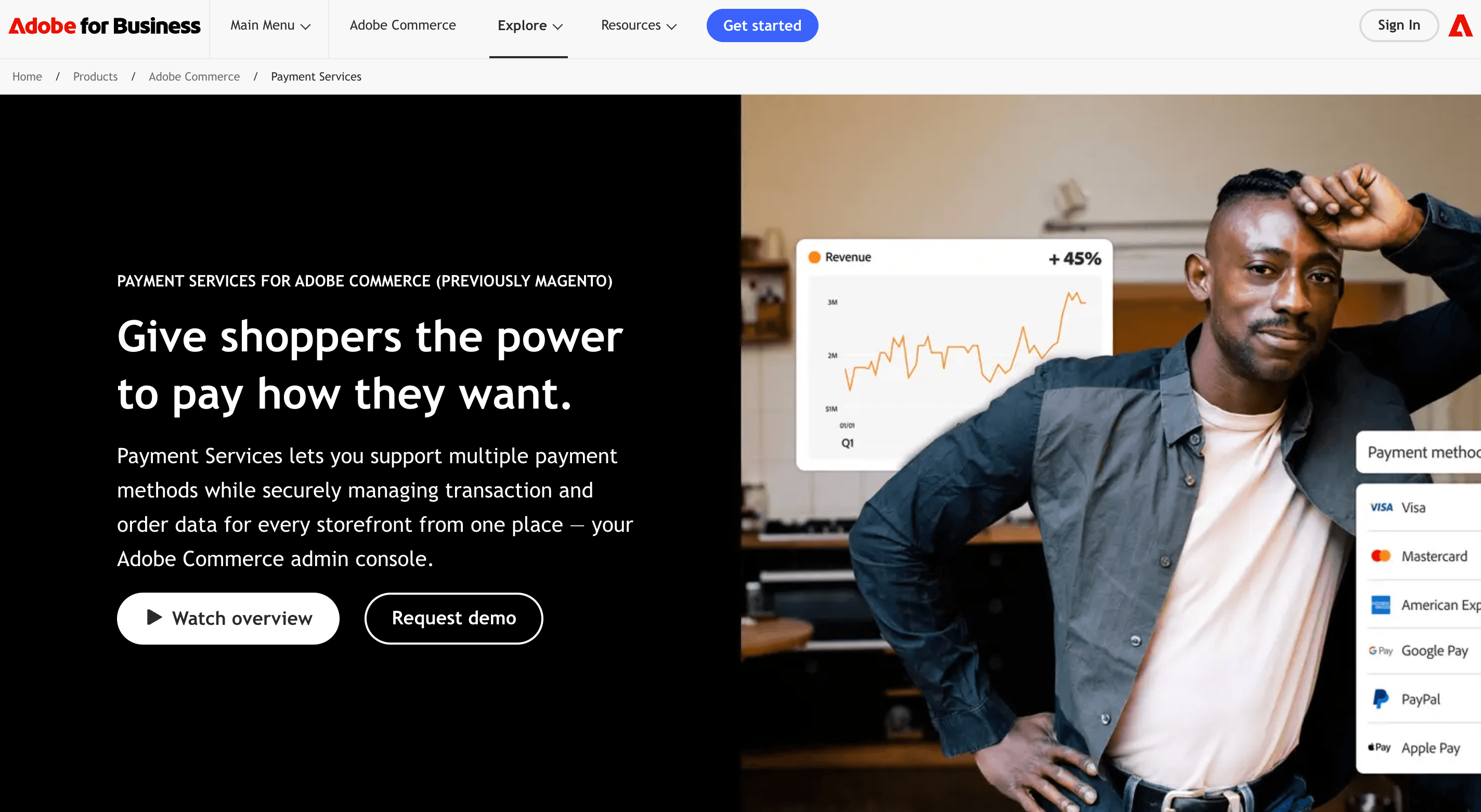
Adobe Commerce Payment Services is Adobe’s payment solution for Adobe Commerce and Magento Open Source merchants. It allows you to manage payments within the Adobe Commerce ecosystem with an Adobe-supported solution.
Key Features
- Native integration with Adobe Commerce and Magento Open Source
- Payment management and reporting capabilities
- Secure payment processing
- Support from Adobe
Pros
- Built specifically for Adobe Commerce stores
- Native platform integration
- Supported by Adobe
- Simplifies payment management
Cons
- Availability depends on supported markets
- Payment methods may vary by region
Fees
Adobe Commerce Payment Services pricing depends on your market, payment setup, and available services. Consider the supported payment options and Adobe Commerce integration benefits when you evaluate the total cost.
5. Amazon Pay
Amazon Pay allows your customers to complete purchases with payment information from their Amazon accounts. Magento merchants can add Amazon Pay through dedicated extensions to offer a familiar checkout option for Amazon users.
Key Features
- Allow customers to use their Amazon account at checkout
- Support major card payments
- Provide a familiar checkout experience
- Use fraud protection features
Pros
- Convenient option for Amazon customers
- Familiar checkout process
- Secure payment processing
- Can help reduce checkout friction
Cons
- Availability depends on your market
- Requires an additional extension setup
Fees
Amazon Pay fees depend on your location, transaction type, and payment setup. If you sell internationally, check how currency conversion and cross-border transactions affect your total payment costs.
Magento Payment Gateways Comparison
Use this comparison to evaluate popular Magento payment gateways by integration type, payment methods, market availability, and cost considerations before you choose the right solution for your store.
| Payment Gateway | Magento / Adobe Commerce Integration | Best For | Supported Payment Methods | International Support | Fees |
|---|---|---|---|---|---|
| Adobe Commerce Payment Services | Official Adobe solution | Merchants who want an Adobe-supported payment solution | Cards, digital wallets, and other supported payment methods | Market dependent | Depends on region, setup, and available services |
| Braintree | Bundled Magento and Adobe Commerce integration | Merchants who need multiple payment options | Cards, PayPal, Apple Pay, Google Pay, Venmo, ACH, local payment methods | Available in multiple markets | Depends on payment method, region, and agreement terms |
| PayPal | Built-in Magento and Adobe Commerce integration | Stores that want a trusted global payment option | PayPal payments, cards, digital wallets, and other supported methods | Available internationally | Depends on location, payment method, and account type |
| Stripe | Third-party Magento extension | Merchants who need flexible payment processing | Cards, digital wallets, ACH, local payment methods, recurring payments | Available in multiple markets | Depends on location, payment methods, and selected services |
| Amazon Pay | Third-party Magento extension | Stores with customers who use Amazon accounts | Amazon Pay, cards, and supported payment methods | Market dependent | Depends on location, transaction type, and payment setup |
Magento Payment Gateway Integration Process
The Magento payment gateway integration process depends on the solution you choose. Some payment methods are available through Magento or Adobe Commerce integrations, while others require a separate extension installation.
1. Choose a Magento payment gateway
Select a payment solution based on your business requirements, target markets, supported payment methods, and Magento compatibility. Make sure the gateway supports your current Magento version and meets your checkout needs.
2. Install the required extension
If your payment gateway requires a Magento extension:
-
Purchase or download the extension from a trusted provider.
-
Install the extension through Composer according to the provider’s instructions.
-
Check extension compatibility with your Magento version before installation.
3. Configure the payment method in Magento Admin
After installation:
-
Go to Stores → Configuration → Sales → Payment Methods.
-
Enable the required payment method.
-
Add your payment provider credentials and account details.
-
Configure available checkout and payment settings.
4. Test the payment process
Before you launch the payment gateway:
-
Test successful transactions.
-
Check declined payment scenarios.
-
Verify refunds and order status updates.
-
Confirm that the checkout process works correctly on different devices.
5. Maintain your payment integration
Keep your payment extension updated and check compatibility after Magento upgrades. Regular updates help prevent checkout issues and ensure continued payment processing reliability.
Important: Before you install a third-party payment extension, check its Magento compatibility, update frequency, support availability, and security practices.
Magento Payment Gateways FAQ
What are the best payment gateways for Magento 2?
The best payment gateway for your Magento 2 store depends on your business requirements, target markets, supported payment methods, and customer preferences. Consider factors such as Magento compatibility, security features, transaction fees, recurring payment support, and available integrations before you choose a solution.
Which payment gateways are supported by Adobe Commerce?
Adobe Commerce supports multiple payment solutions, including Adobe Commerce Payment Services, PayPal, and Braintree. You can also add third-party payment providers through Magento extensions to support additional payment methods and regional requirements.
Does Magento 2 support Stripe?
Magento 2 does not include Stripe as a built-in payment method. You can integrate Stripe with your Magento store through third-party extensions that add Stripe payment capabilities and support additional payment options.
Does Magento 2 support PayPal and Braintree?
Yes. Magento 2 and Adobe Commerce support PayPal and Braintree integrations. Braintree is available as a bundled payment integration, while PayPal is available through Magento and Adobe Commerce payment configurations.
What is Adobe Commerce Payment Services?
Adobe Commerce Payment Services is Adobe’s payment solution for Adobe Commerce and Magento Open Source merchants. It provides native integration with the Adobe Commerce ecosystem and helps you manage online payments within your store.
What should you consider when choosing a Magento payment gateway?
When you choose a Magento payment gateway, consider Magento compatibility, supported payment methods, available countries and currencies, security features, extension quality, recurring payment support, refund capabilities, and total costs.
Choosing Your Payment Gateway for Magento 2
There’s a lot to consider before you integrate a payment gateway. All of the 4 on the Magento payment gateway list of brands above offer a vast track record of reliability in the efficiency, security strength, and responsiveness expected of major industry providers.
Your chosen Magento e-commerce payment gateway should, above all, support the best customer experience for your shoppers. It should also be affordable for your business’s budget long-term. You’re well-advised to read reviews, visit providers’ websites, check BBB files, consult peers, etc. Educate yourself as much as possible on your options for this critically important piece of your retail operations.
If you still can't ensure your payment solutions align with your business goals, reach out to the Transform Agency's team. Let us help you achieve seamless integration today!

Alex excels in creating and approving customization architecture, ensuring robust and efficient solutions for e-commerce platforms. His expertise in Magento allows him to effectively manage tech resources and drive technical projects to successful completion.
Alex excels in creating and approving customization architecture, ensuring robust and efficient solutions for e-commerce platforms. His expertise in Magento allows him to effectively manage tech resources and drive technical projects to successful completion.