

0%

Did you know that a 1-second delay in page load time can slash your conversion rate by up to 7%? This hidden performance tax is silently shrinking your revenue and pushing potential customers to your competitors.
In our comprehensive Magento SEO guide, we will bridge that profit gap by revealing the core optimizations that deliver measurable results. These essential Magento SEO tips form the foundation of the same strategies our expert SEO services team uses to consistently boost client sales and search visibility. Let's begin.
Why You Need Magento 2 Performance Optimization
Your Magento store's speed is its heartbeat. The platform's power requires deliberate optimization, as slow performance directly harms your revenue and brand. It is important for 4 critical reasons:
1. Speed is a Direct Ranking Factor
Google explicitly uses page speed as a ranking signal in its search algorithms. A slow website will be pushed down in search results, reducing your organic visibility before a customer even has a chance to click. In the competitive e-commerce landscape, being on the second page of Google often means being invisible.
2. Conversion Rates Live and Die by Load Time
Every second of delay has a dramatic impact on your bottom line. Studies consistently show that even a one-second delay can lead to a significant drop in conversions. A fast website creates a seamless, frictionless path to purchase, while a slow one frustrates users and sends them to your competitors.
3. User Experience Defines Brand Perception
Performance is a fundamental part of the user experience. A slow, lagging store communicates unprofessionalism and a lack of care for the customer. Conversely, a blazing-fast site feels modern, reliable, and trustworthy, encouraging users to stay longer, explore more, and return in the future.
4. It Directly Impacts Your Revenue
Ultimately, the points above converge on your revenue. Higher rankings drive more traffic. Better conversion rates turn that traffic into more sales. An improved user experience builds customer loyalty and increases lifetime value. Performance optimization is not a technical cost; it is a strategic investment with a clear and measurable return.
7 Magento SEO Tips to Boost Your Sales and Visibility
These proven strategies form the backbone of a technically sound Magento store. We will walk through a specific Magento SEO checklist that will directly improve your search visibility and user experience.
1. Build a Logical Site Structure
A disorganized site confuses both users and search engines. This wastes the crawl budget and hides your valuable content from potential customers.
- Build a Silo Structure – Organize your site into clear thematic hubs. For instance, all content related to "Men's Running Shoes" should be interlinked within a logical hierarchy (/men/shoes/running). This demonstrates topical authority to search engines.
- Strategic Internal Linking – Go beyond automatic menus. Manually build contextual links from blog posts to relevant categories, and from product pages to related buying guides. This actively distributes SEO authority throughout your site.
Optimize YourBreadcrumbs – Implement breadcrumbs with BreadcrumbList schema markup. This not only aids user navigation but can also be displayed in search results, enhancing your listing's appeal.
2. Master Technical SEO
Technical errors can silently undermine all other SEO efforts. A fast, clean, and well-structured site is non-negotiable.
- Tame Duplicate Content – Magento's layered navigation is a common issue. Apply NOINDEX, FOLLOW meta tags to filtered category pages (e.g., ?color=red) to prevent them from competing with your main category pages in search results.
- Optimize Your XML Sitemap – Ensure your automatic sitemap includes all critical pages. For large stores, split it into multiple files (e.g., product, category, and CMS sitemaps) for better management.
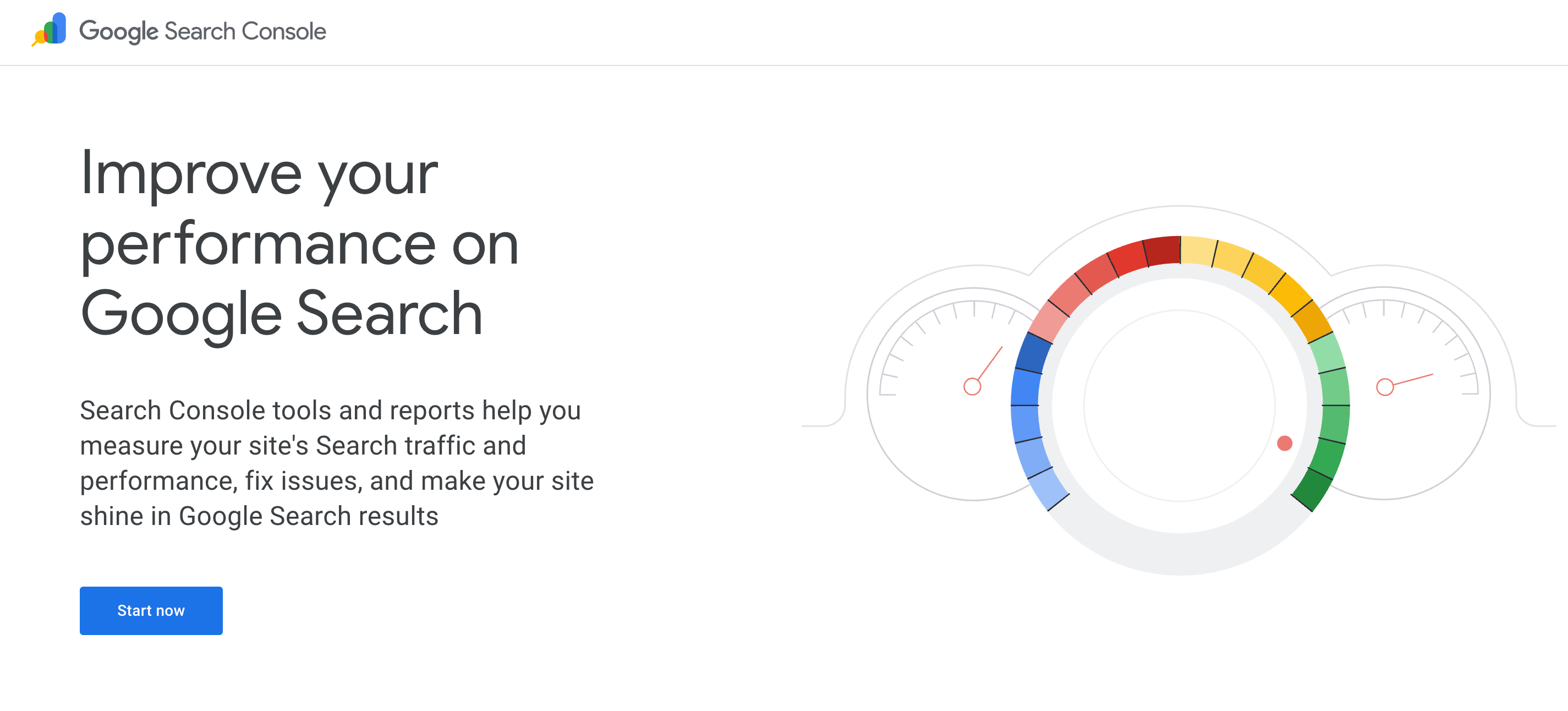
Conduct Regular Indexation Audits – Use Google Search Console's Coverage report and the site:yourstore.com search operator to find and fix indexing errors, ensuring your best pages are visible.
3. Optimize Product Pages
Optimizing a product page doesn't have to be complex. Focus on these three high-impact actions to make your pages work harder for both users and search engines.
Action | Key Benefit | How to Do It |
1. Implement Product Schema Markup | Enables rich snippets in search results (price, rating), boosting visibility and click-through rates. | Use a dedicated extension or custom code to add structured data (JSON-LD) for Product, AggregateRating, and Offer schema types. |
2. Develop "Pillar" Content | Increases dwell time, reduces bounce rate, and helps you rank for more informational search queries. | Add unique content blocks like video tutorials, detailed sizing guides, and material comparison charts using Magento's CMS blocks or page builder. |
3. Activate User-Generated Content | Builds powerful social proof and captures additional traffic from Google Image and Video search. | Use an extension (e.g., Yotpo, Judge.me) to incentivize and display customer photo and video reviews directly on product pages. |
4. Optimize Image SEO & User Experience | Improves page load times and ranks your images in Google Search, driving qualified traffic. | Compress images (WebP format), use descriptive file names, and write detailed alt text that includes the product name and key attributes. |
5. Strengthen Internal Linking | Distributes page authority throughout your site and helps users discover related products. | Manually link from blog posts to relevant products and use a "Related Products" or "Customers Also Bought" cross-sell block. |
4. Configure Magento Settings
Many of Magento's most powerful SEO settings are found in the backend. Correct configuration acts as a force multiplier for all your efforts. The table below outlines the critical settings to review:
Menu Path | Setting | Recommended Value | Why It Matters |
Stores > Config > General > Web | Auto-redirect to Base URL | Yes (302 Found) | Prevents duplicate content from www/non-www or /index.php versions of your site. |
Stores > Config > Catalog > Catalog > SEO | Use Categories Path for Product URLs | No | Creates clean, short product URLs (/product-name) instead of long, messy ones. |
Stores > Config > Catalog > Catalog > SEO | Use Canonical Link Meta Tag for Categories | Yes | Manages duplicate content in category pagination (e.g., page?p=2). |
Stores > Config > Catalog > Search Engine Optimizations | Popular SEO Tags | Enable All | Ensures canonical, robot, and other crucial meta tags are generated properly. |
5. Implement Mobile-First Optimization
Since most traffic now comes from mobile devices, a mobile-friendly website is the minimum requirement. Your strategy must be mobile-first.
- Audit for Mobile-Only Errors – Use Google Search Console's Mobile Usability report to identify specific issues like touch targets that are too small or intrusive pop-ups.
- Optimize the Mobile Checkout Funnel – The experience doesn't end on the product page. Streamline the entire process with guest checkout, address autofill, and trusted payment gateways to reduce mobile cart abandonment.
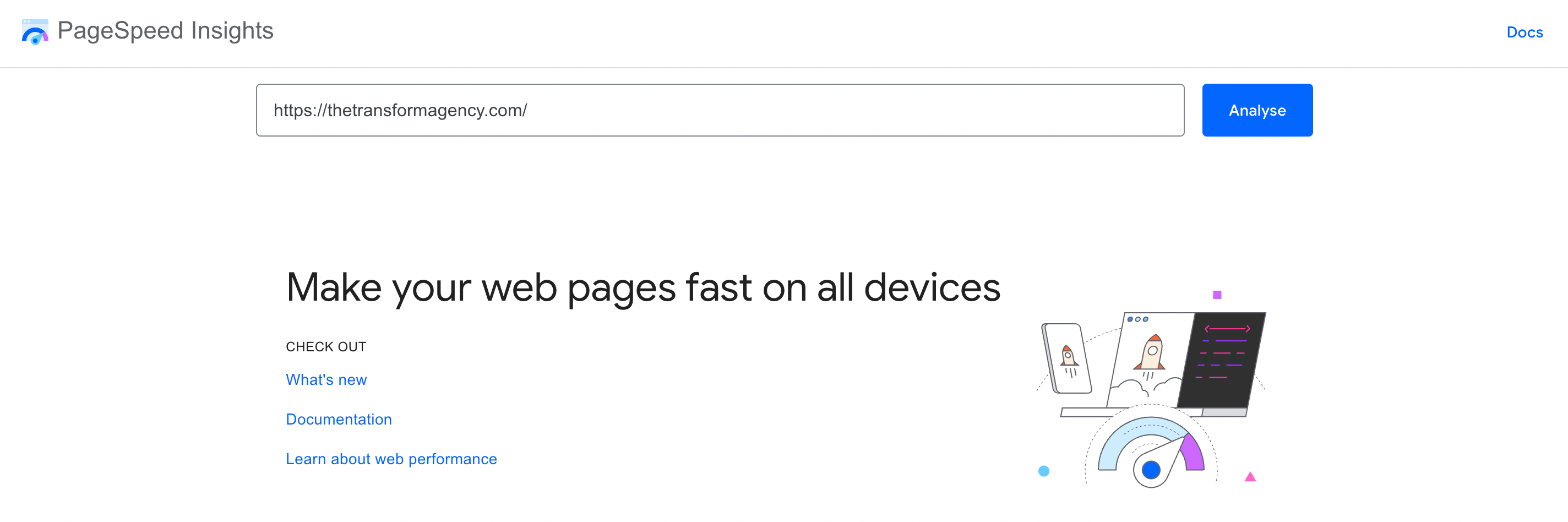
Prioritize Core Web Vitals – Focus on the user-centric metrics Google uses: Largest Contentful Paint (loading speed), Cumulative Layout Shift (visual stability), and Interaction to Next Paint (responsiveness). Use PageSpeed Insights to diagnose and improve these specifically for mobile.
6. Develop Strategic Content Marketing
Content remains king in SEO, providing the foundation for topical authority and customer engagement.
- Create Comprehensive Buying Guides – Develop in-depth resources that help customers make informed decisions, positioning your brand as an authority in your niche.
- Implement FAQ Schema – Use structured data for frequently asked questions to potentially earn rich snippets and voice search visibility.
Build Topic Clusters – organize content around core pillars with supporting articles that interlink, signaling comprehensive coverage to search engines.
7. Enhance User Experience Signals
User experience metrics directly impact SEO performance and conversion rates.
- Reduce Page Load Times – Implement advanced caching, optimize images, and minimize render-blocking resources to improve loading performance.
- Improve Site Navigation – Create intuitive menu structures and implement predictive search to help users find products quickly.
- Optimize for User Engagement – Monitor metrics like time on site and bounce rate, using heatmaps to identify and fix usability issues.
8. Utilize Advanced Analytics Tracking
Data-driven decisions require comprehensive tracking and analysis.
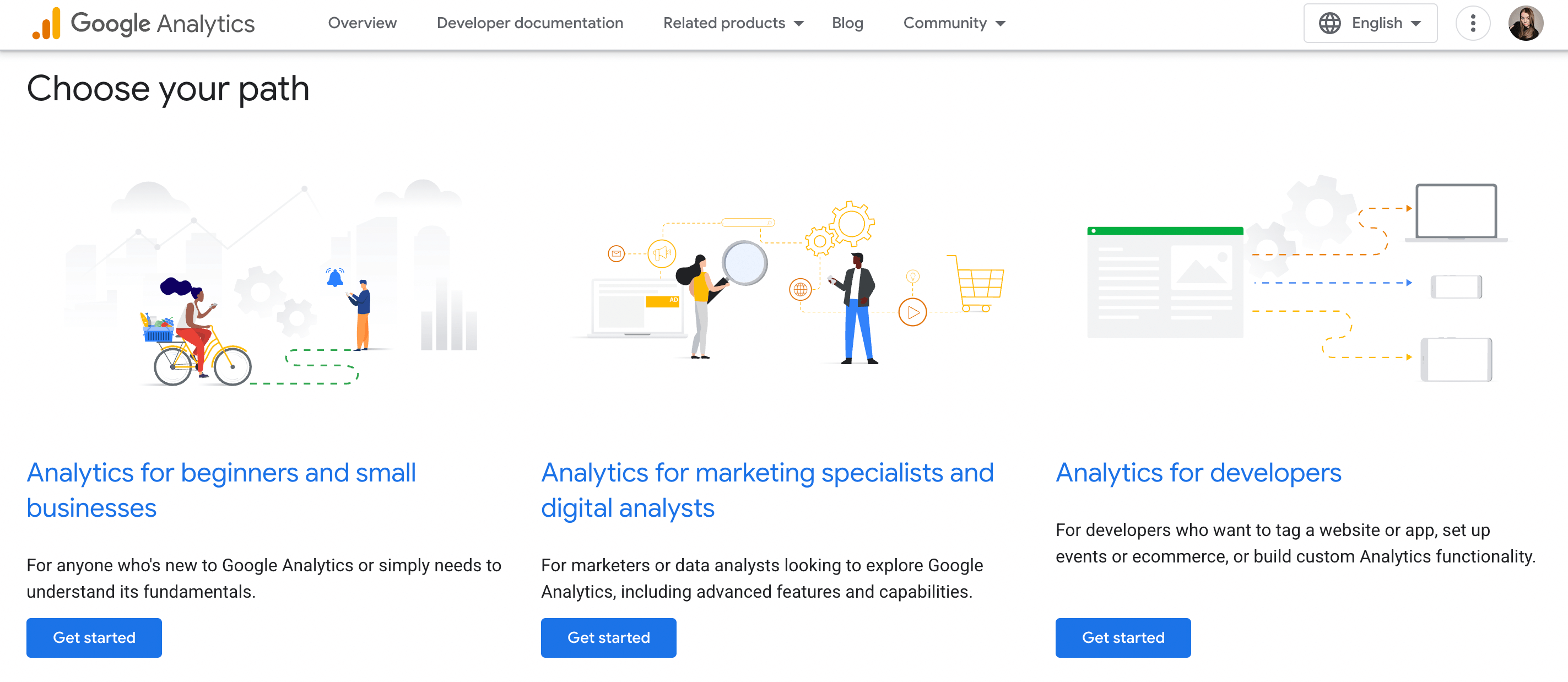
- Set Up Enhanced Ecommerce Tracking – Implement detailed Google Analytics tracking to understand customer behavior through the entire purchase funnel.
- Monitor Search Console Performance – Regularly analyze search query data, click-through rates, and impression trends.
Track Conversions by Channel – Understand which traffic sources drive the most valuable customers to optimize your marketing spend.
10. Implement Security Best Practices
Website security is a critical ranking factor and the foundation of customer trust. Neglecting it can lead to penalties from search engines and a loss of consumer confidence.
Security Practice | Why It's Crucial for SEO | Key Action Items |
1. Enforce HTTPS Protocol | Google explicitly marks non-HTTPS sites as "Not Secure," hurting trust and rankings. A secure connection is a baseline signal. | Install a valid SSL certificate. Force HTTPS across all pages (admin, checkout, content). Eliminate "mixed content" errors by ensuring all resources (images, scripts) load via HTTPS. |
2. Maintain Rigorous Updates | Outdated software is the primary attack vector. Hacks can lead to SEO sabotage through malicious injections, spam, and site blacklisting. | Apply Magento security patches promptly. Regularly update all third-party extensions to their latest versions. Subscribe to Magento security alerts to stay informed. |
3. Implement Security Headers | These headers act as a first line of defense against common attacks, protecting your site's integrity and user data. | Add HSTS to force browser HTTPS connections. Implement Content-Security-Policy (CSP) to prevent XSS attacks. Use X-Content-Type-Options to stop MIME-sniffing. |
11. Build Authority with Off-Page SEO
Many Magento stores are trapped: they have a great site but remain invisible because they lack external authority. This is where off-page SEO becomes critical. Here’s how to break out.
Problem | Core Strategy | Key Actions to Take |
No one links to your site (Low domain authority, poor rankings) | Earn links from reputable sites to signal credibility to Google. | Create a "linkable asset" like original research, then proactively pitch it to relevant blogs and journalists. You can also perform broken link building on industry websites. |
Your brand is invisible online (Lack of buzz and social proof) | Create conversations and social signals beyond your website. | Actively engage in relevant forums and social media groups while running campaigns that encourage user-generated content. Also, manage and respond to reviews on third-party sites. |
Local customers can't find you (Missing from local search results) | Optimize your presence for customers in your geographic area. | Start by claiming and fully optimizing your Google Business Profile. Then, audit and clean up your business NAP (Name, Address, Phone) data across all major online directories. |
Your content gets no traction (Low engagement, no shares) | Proactively share your best content to reach new audiences. | Repurpose your best content into different formats like videos or infographics. Use targeted social ads to promote it, and explore collaborations with micro-influencers in your niche. |
Measure and Analyze SEO Performance
Once you've implemented key SEO strategies, the real work begins: tracking, analyzing, and optimizing based on data. Without proper measurement, you're navigating blind - unable to prove ROI or identify what's actually working.
Key Tools for SEO Tracking:
- Google Search Console for monitoring indexing, search queries, and click-through rates
- Google Analytics for tracking organic traffic behavior and conversions
- Rank tracking software for keyword position monitoring
- Technical SEO tools for ongoing site health checks
Key Metrics to Watch:
- Organic traffic growth and conversion rates
- Keyword rankings for target terms
- Click-through rates from search results
- Page load speed and Core Web Vitals
- Bounce rates and time on site from organic visitors
Creating Your Measurement Framework:
Establish regular reporting cycles - weekly for technical checks, monthly for performance reviews, and quarterly for comprehensive strategy assessments. Compare current performance against your baseline metrics to calculate actual ROI from your SEO efforts.
Common Magento SEO Issues and How to Solve Them
Magento's powerful e-commerce features introduce specific SEO challenges that can hinder your search visibility. To build a healthy, search-friendly store, you should recognize and address these common pitfalls.
Duplicate Content Problems
Magento automatically creates multiple URL versions of the same content through layered navigation, session IDs, and parameter variations. This dilutes your SEO efforts as search engines struggle to identify the canonical version.
Solution: Implement proper canonical tags, use robots.txt to block problematic parameters, and configure Magento's URL rewrite settings to consolidate link equity.
Index Bloat from Filtered Navigation
Category pages with multiple filter combinations (color, size, price) can create thousands of low-value pages that compete with your main content in search results.
Solution: Apply noindex tags to filtered category pages while maintaining follow tags to preserve link juice. Focus search engine attention on your primary category and product pages.
Slow Page Load Speeds
Magento's complex architecture can lead to performance issues, particularly with unoptimized images, excessive extensions, and inadequate caching.
Solution: Implement full-page caching, optimize images through compression, leverage Content Delivery Networks, and regularly audit extension performance.
Mobile Optimization Gaps
Many Magento themes aren't truly mobile-first, creating user experience issues that impact both conversions and search rankings.
Solution: Choose responsive themes designed for mobile performance, optimize touch elements, and regularly test using Google's Mobile-Friendly Test tool.
Structured Data Implementation Challenges
Proper schema markup requires technical expertise, and incorrect implementation can miss valuable rich snippet opportunities or even trigger penalties.
Solution: Use trusted extensions for structured data implementation, validate markup through Google's Rich Results Test, and focus on product, organization, and breadcrumb schema types.
Meta Data Management
Managing unique meta titles and descriptions across thousands of products becomes unwieldy, leading to duplicate or missing meta information.
Solution: Develop template-based meta rules, utilize SEO extensions for bulk management, and ensure all product and category pages have unique, compelling meta content.
Master Magento SEO Best Practices
These proven Magento SEO best practices create search-friendly shopping experiences that drive traffic and conversions. While the strategies are clear, effective implementation demands specialized expertise.
Transform Agency specializes in helping businesses optimize your Magento website for peak performance. Our team of SEO specialists delivers comprehensive optimization, from technical setup and content strategy to conversion optimization. Reach out today to transform your e-commerce performance!
FAQ
What is the best SEO setup for Magento?
The best setup combines technical configuration and quality content. Focus on creating clean URLs, unique meta titles and descriptions, and implementing canonical tags. Ensure your site is fast, mobile-friendly, and uses HTTPS. Adding structured data and a comprehensive XML sitemap is also crucial.
Is Magento SEO friendly?
Yes, Magento is highly SEO-friendly. Its core platform includes essential features like clean URL structures, automatic sitemap generation, and robust canonical tag support, providing a strong foundation for search engine optimization right out of the box.
How to do SEO on Magento?
Start in the admin panel by configuring core settings to create clean URLs. Then, optimize every product and category page with unique meta titles and descriptions. Generate and submit your XML sitemap to Google Search Console, and prioritize site speed through caching and image optimization.
What is the best Magento SEO module?
Top SEO extensions include Amasty, the Mageworx SEO Suite, and Mirasvit SEO Ultimate. These modules extend Magento's core features by automating meta tags, improving rich snippets, and providing advanced control over URLs and technical SEO elements.

Viktoria is an SEO Expert with over 10 years of experience in international SaaS and large-scale eCommerce projects. She specializes in advanced on-page and off-page optimization, content marketing strategies, leveraging AI and data analytics to enhance online visibility.
Viktoria is an SEO Expert with over 10 years of experience in international SaaS and large-scale eCommerce projects. She specializes in advanced on-page and off-page optimization, content marketing strategies, leveraging AI and data analytics to enhance online visibility.