0%

Nearly 70% of online shopping carts are abandoned before checkout is complete. A confusing or untrustworthy checkout page is a big reason why. You spend on ads and perfect your product pages, yet people still leave at the final step. The standard checkout doesn't match your brand and lacks trust signals, which costs you sales every month.
A good Shopify checkout app fixes this. It turns a page where people leave into a page where they buy without requiring the custom Shopify development. Below, we've picked the best apps to help you keep more customers, sell more per order, and take control of your checkout, whether you're on Shopify Plus or a regular plan.
What is a Shopify Checkout App?
A Shopify checkout app is a tool that lets you change how your checkout page looks and works. Out of the box, Shopify gives you a basic checkout page that every store uses. You can change a few colors and add your logo, but that's about it.
A checkout app gives you more control. You can add trust badges, offer product upsells before payment, ask customers for gift messages, or rearrange shipping options. Some apps even let you completely redesign the page to match your brand.
Think of it like this. The default checkout is a rented apartment. It's fine, but you can't paint the walls or change the layout. A checkout app hands you the keys and says, "Make it yours."
Checkout Apps Comparison at a Glance
To help you decide quickly, here's a side-by-side look at the eight apps we just covered.
App Name | Rating | Pricing | Best For |
|---|---|---|---|
ReConvert | 4.8/5 | Free plan; paid from $4.99/mo | Thank You page upsells and reorder nudges |
Zipify OCU | 4.5/5 | Starts at $35/mo | Advanced one-click upsell funnels |
Carthook | 4.0/5 | From $50/mo | Frictionless post-purchase offers |
AfterSell | 4.7/5 | Free plan; paid from $14.99/mo | Combining upsells with branded Thank You pages |
Bold Upsell | 4.4/5 | From $9.99/mo | Stores in the Bold Commerce ecosystem |
Vitals | 4.9/5 | From $29.99/mo | All-in-one tool (checkout + 40+ other features) |
Honeycomb | 4.8/5 | From $49/mo | Drag-and-drop upsell funnel builder |
UpsellPlus | 5.0/5 | Free plan; paid from $49/mo | Data‑driven upsell funnels with A/B testing |
Top 8 Checkout Apps for Your Shopify Store
Not every store needs the same features from a checkout app. Some want upsells, some want branding control, and some just want to look more trustworthy. This list covers a range of options so you can find the right fit for your business.
1. ReConvert Post Purchase Upsell
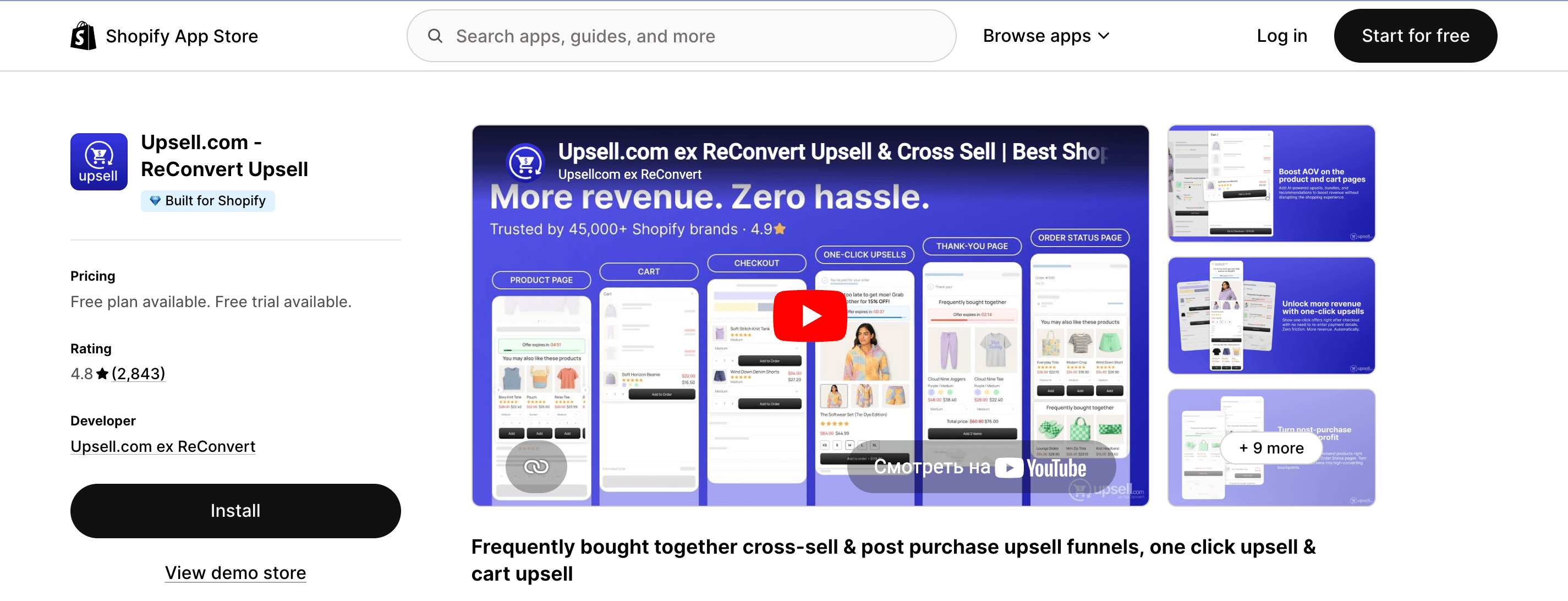
ReConvert focuses on what happens right after the sale. It lets you customize the Thank You page with upsells, surveys, and reorder buttons to squeeze more value from every customer.
- Rating: 4.8/5
- Pricing: Free plan available, paid plans from $4.99/month
- Best for: Post-purchase upsells and Thank You page optimization
2. Zipify OCU

Zipify OCU is one of the oldest and most trusted upsell apps in the Shopify ecosystem. It offers one-click post-purchase offers and split testing to maximize average order value.
- Rating: 4.5/5
- Pricing: Plans start at $35/month
- Best for: Advanced one-click upsell funnels
3. Carthook Post Purchase Offers
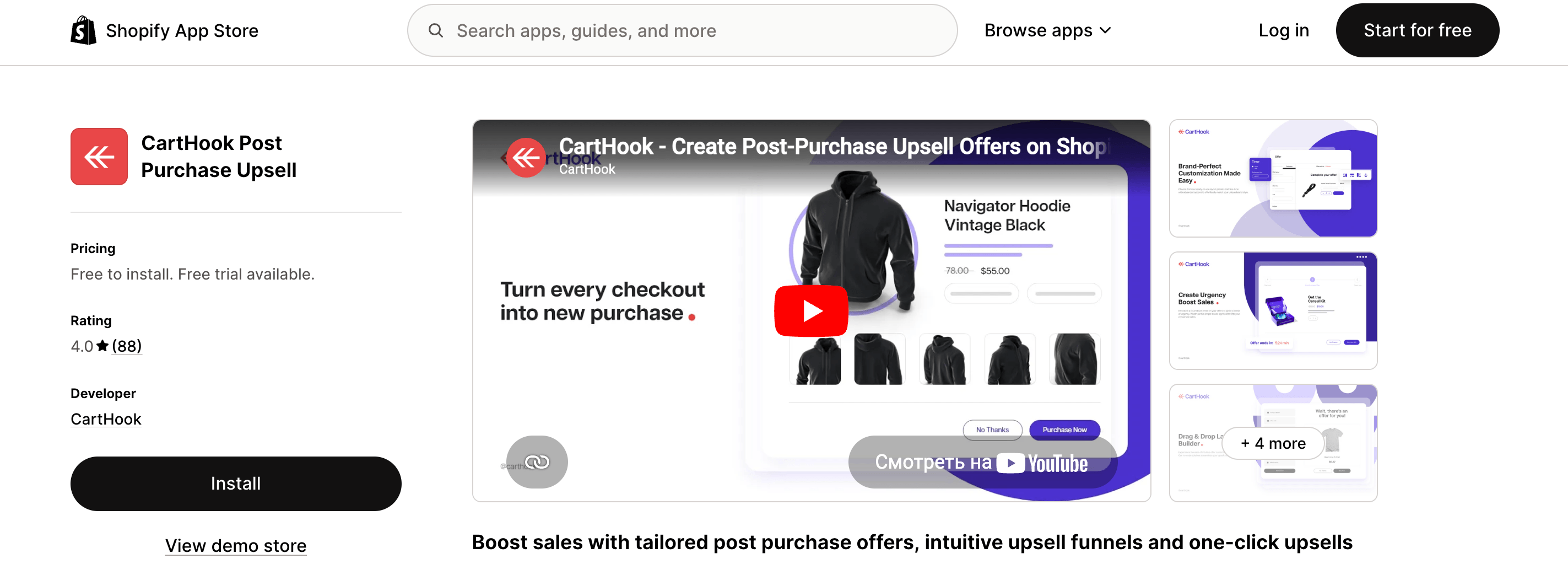
Carthook specializes in post-purchase one-click upsells that don't require customers to re-enter payment information. It's simple to set up and works well for stores with high order volume.
- Rating: 4.0/5
- Pricing: Plans from $50/month
- Best for: Frictionless post-purchase revenue boosts
4. AfterSell Post Purchase Upsell
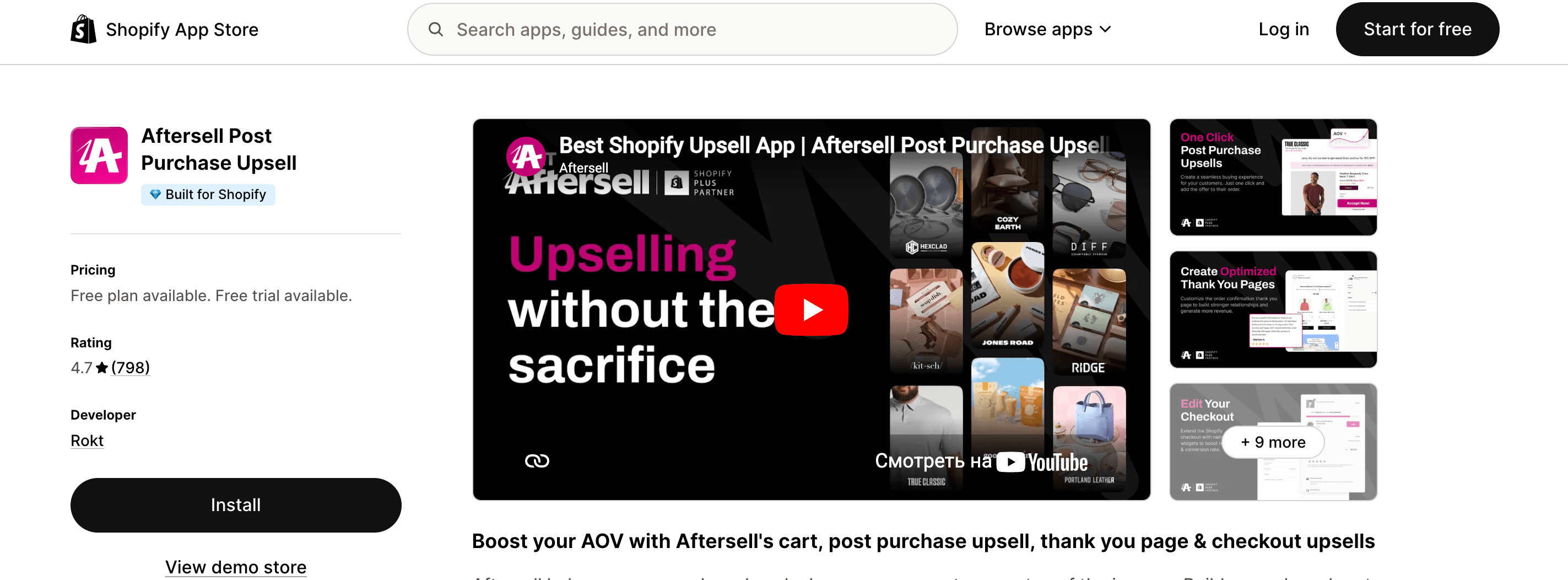
AfterSell combines post-purchase upsells with Thank You page customization. You can offer discounts, product add-ons, and even subscription upgrades in one smooth flow.
- Rating: 4.7/5
- Pricing: Free plan available, paid plans from $14.99/month
- Best for: Combining upsells with Thank You page branding
5. Bold Upsell
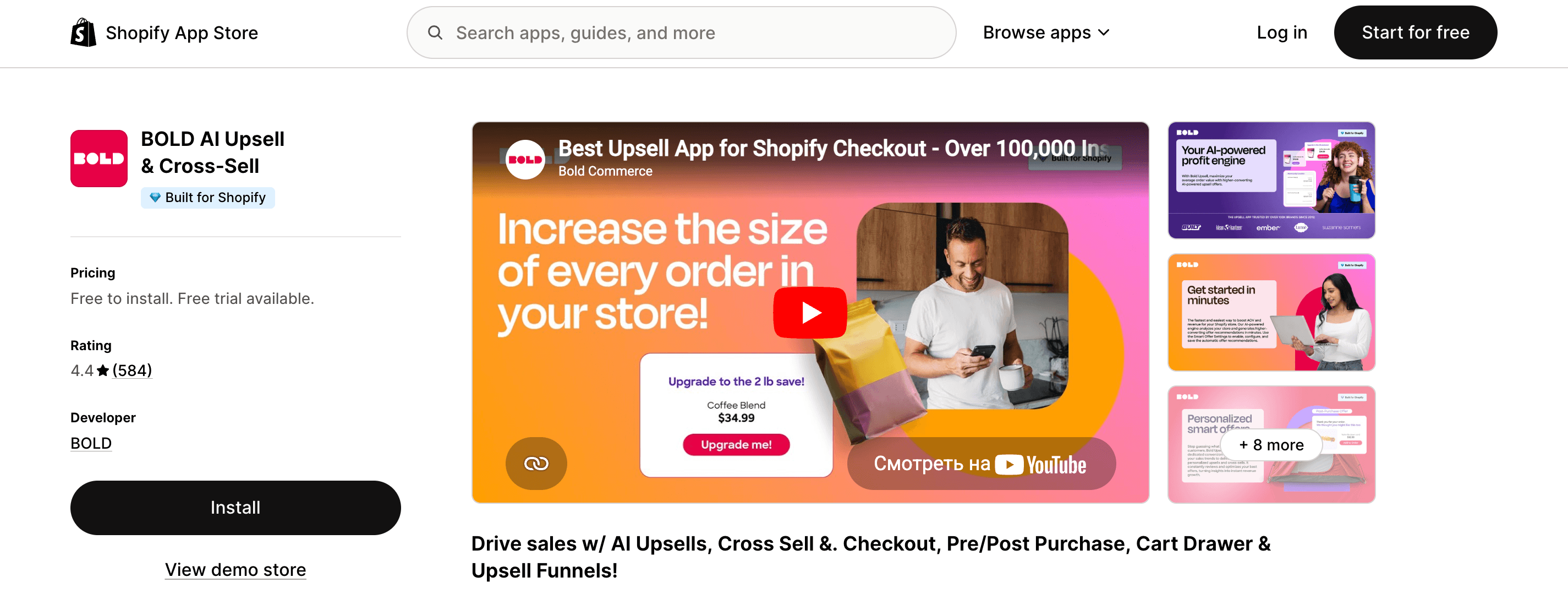
Bold Upsell is part of the Bold Commerce suite and offers in-cart and post-purchase upsell opportunities. It includes smart rules to show relevant offers based on what's already in the cart.
- Rating: 4.4/5
- Pricing: Plans from $9.99/month
- Best for: Stores already using other Bold apps
6. Vitals

Vitals is an all-in-one app with over 40 tools, including checkout customization features like trust badges, payment icons, and cart upsells. It's a good pick if you want one app for many tasks.
- Rating: 4.9/5
- Pricing: Plans from $29.99/month
- Best for: Stores wanting checkout features plus reviews, popups, and more
7. Honeycomb Upsell Funnels

Honeycomb focuses on pre-purchase and post-purchase upsell funnels with a drag-and-drop builder. You can create multiple offer pages that feel native to your brand.
- Rating: 4.8/5
- Pricing: Plans from $49/month
- Best for: Creating custom upsell flows without coding
8. UpsellPlus Checkout Upsell
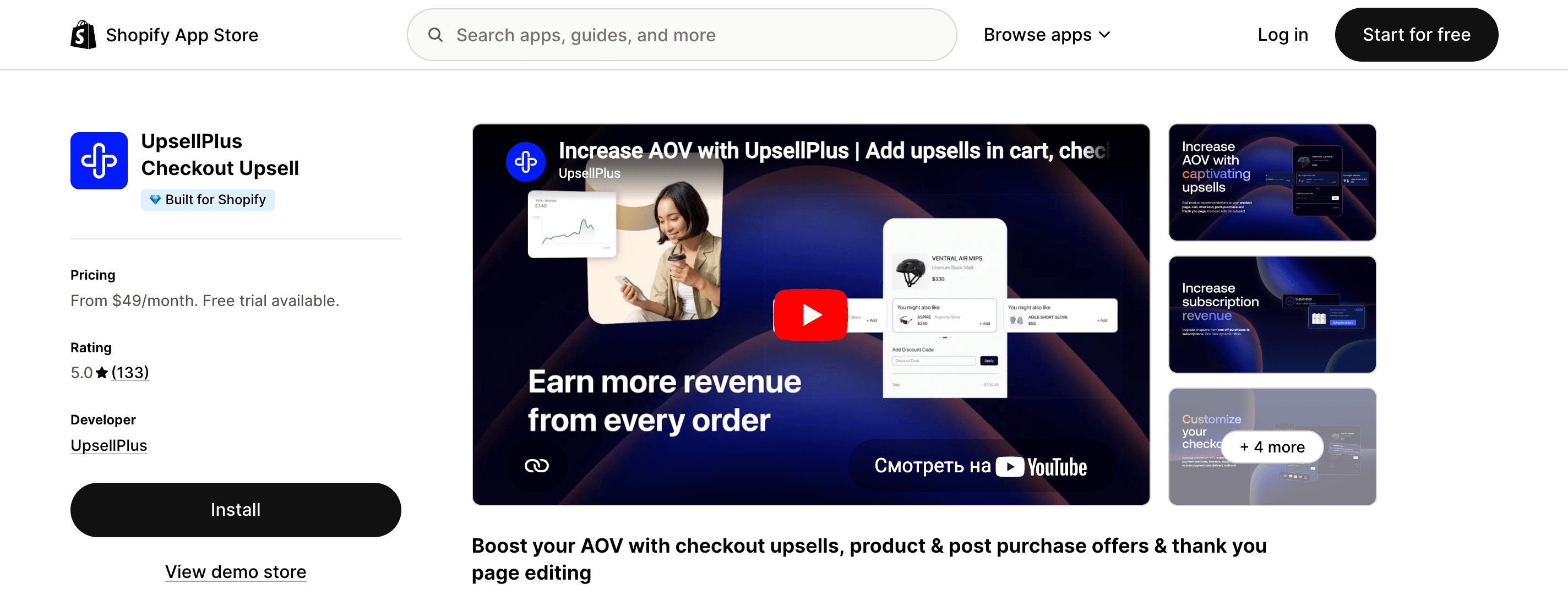
UpsellPlus is built specifically to increase average order value through smart upsells and cross‑sells inside the checkout and post‑purchase pages. It includes A/B testing and mobile‑optimized designs.
- Rating: 5.0/5
- Pricing: Free plan available, paid plans from $49/month
- Best for: Maximizing revenue with data‑driven upsell funnels
How to Choose the Right Checkout App for Your Store
With so many options out there, picking one app can feel overwhelming. The trick is to focus on what your store actually needs, not just what sounds fancy. Here are three simple questions to ask yourself before you install anything.
What Is Your Main Goal?
Be honest about why you want a checkout app in the first place.
- If you want to make more money per order, look for apps with strong upsell and cross-sell features. Zipify OCU and Carthook are built for this.
- If you want to match the checkout to your brand, focus on apps that offer design control and custom fields. Checkout Builder or Qikify are good starting points.
- If you want to look more trustworthy, pick an app that lets you add badges, testimonials, and payment icons. Vitals handles this well.
- If you want a little bit of everything, an all-in-one tool like Vitals or Checkout Plus might save you from installing five separate apps.
Are You on Shopify Plus or a Standard Plan?
This matters more than most merchants realize.
- Shopify Plus merchants can fully customize the checkout layout and flow. Apps like Checkout Buddy unlock features that simply won't work on lower plans.
- Standard plan merchants should focus on apps that work around Shopify's limits. Look for tools that enhance the Thank You page, add post-purchase upsells, or insert trust badges without touching the core checkout code.
What Is Your Budget Really Buying?
Free plans are tempting, but check what you're actually getting.
- Some free apps limit you to a certain number of orders per month.
- Others reserve advanced features like A/B testing or custom design for paid tiers.
- If an app charges based on your upsell revenue (like Plus UpsellPlus), calculate whether the fee is worth the extra sales it generates. A $49 monthly fee is nothing if the app adds $500 to your monthly revenue.
Final Tip
You don't need to install five checkout apps at once. Pick one that solves your biggest problem right now. Install it, test it for two weeks, and watch your analytics. If it works, great. If not, try another.
Time to Fix Your Checkout
Your checkout page is where the money happens. If it feels clunky or looks nothing like your brand, customers will leave and probably won't come back. The good news is you don't need a developer or a big budget to fix it. A solid shopify checkout app can handle the heavy lifting, whether you need upsells, trust badges, or better branding.
Pick one app from this list that solves your biggest problem right now. Install it, test it, and watch your conversion rate climb. A smoother checkout means more completed orders and more money in your pocket without spending extra on ads.
FAQ
How to optimize Shopify checkout?
Focus on reducing friction and building trust. Use a checkout app to add trust badges, simplify forms, and match your brand colors. Show accepted payment icons early so customers know their options. Finally, customize the Thank You page for post-purchase offers or a personal message to keep the relationship going.
What is the best checkout app for Shopify?
There's no single best app for everyone. The right choice depends on your goal: upsells, branding control, or trust signals. Shopify apps like Qikify and Checkout Builder excel at customization, while Zipify OCU and Carthook focus on revenue boosts. Pick the one that solves your store's biggest checkout problem first.
Do I need Shopify Plus to use a checkout app?
No, most checkout apps work perfectly on standard Shopify plans. They add features like upsells, custom fields, and trust badges without touching the core checkout layout. Only full redesigns of the checkout page structure require Shopify Plus. For most merchants, a standard plan and a good app are more than enough.

Expert in creating engaging written content. Skilled at analyzing audience behaviors and refining strategies to align business goals with customer interests. Proven ability to craft content that connects deeply with audiences. Passionate about staying current with trends to boost engagement.
Expert in creating engaging written content. Skilled at analyzing audience behaviors and refining strategies to align business goals with customer interests. Proven ability to craft content that connects deeply with audiences. Passionate about staying current with trends to boost engagement.